



6 years ago
To download and print the Constellation Template pattern:
Click the Constellation Template link on the Design*Sponge website
Save the file (the file is a .jpg photo)
Using Apple Preview (or another photo viewing program), open the .jpg file
Convert the .jpg file to a .pdf
Open the .pdf file in Adobe Reader
Go to File, print
Click Poster
Change scale to 600%, 0.75” overlap
Click Print
Marking the fabric:
I had a few experiments that I tried for the process of marking the pattern onto fabric.
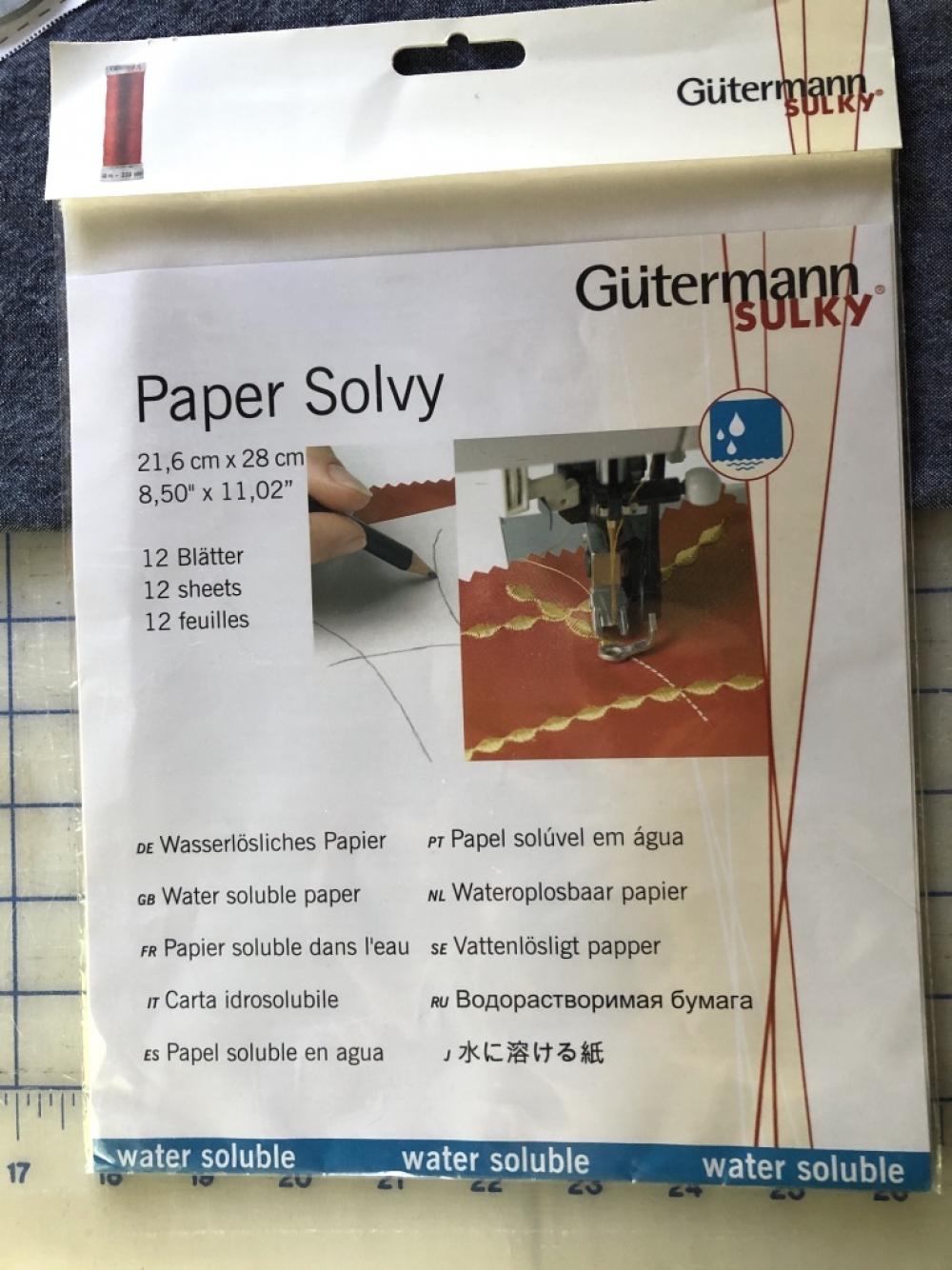
My initial thought was to use a printable embroidery paper that is water soluble. The paper that I tried was by Gutermann from Minerva. I liked that you can print the pattern directly onto this paper, stitch the embroidery and then the paper dissolves when soaked in water.
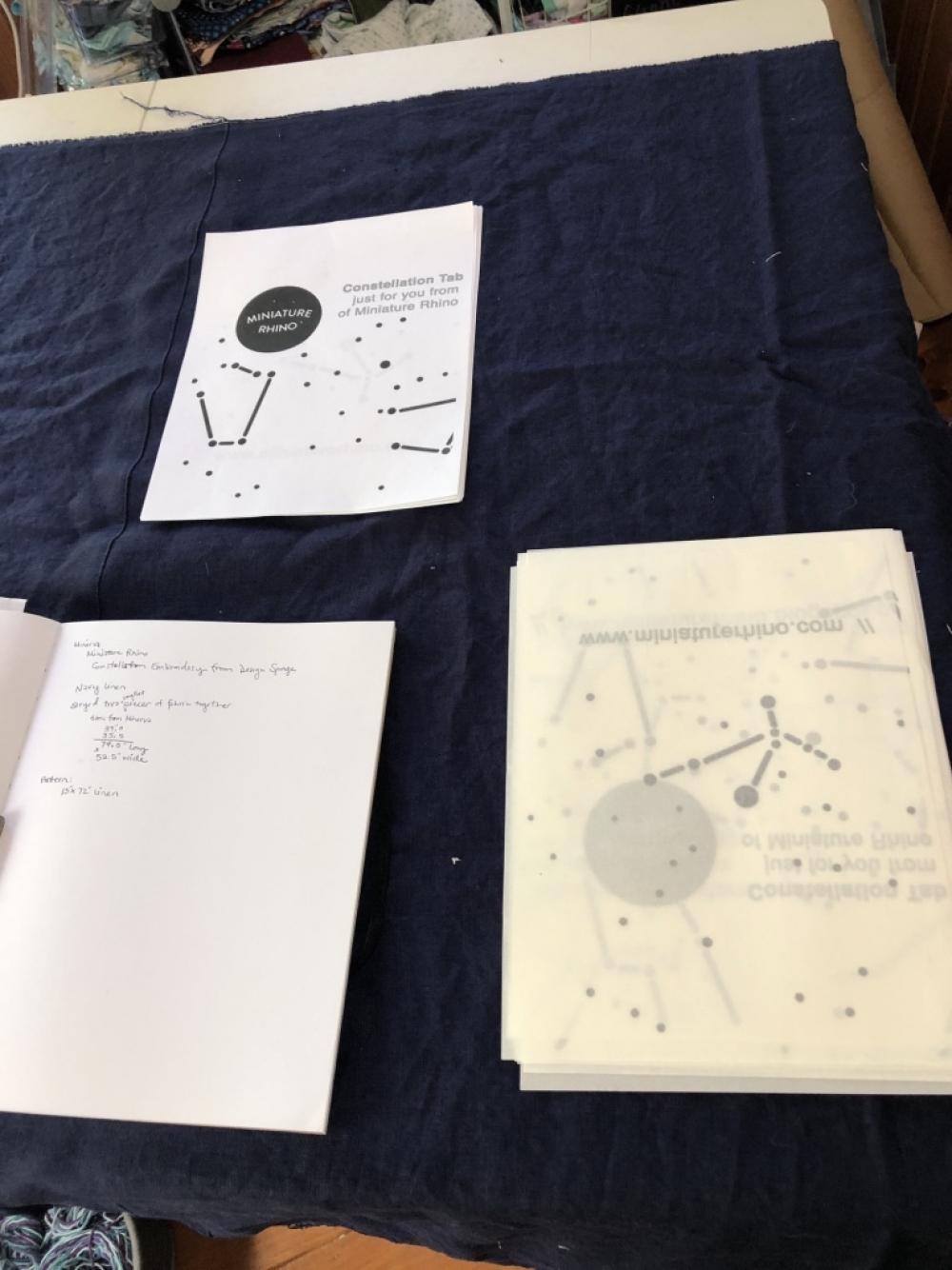
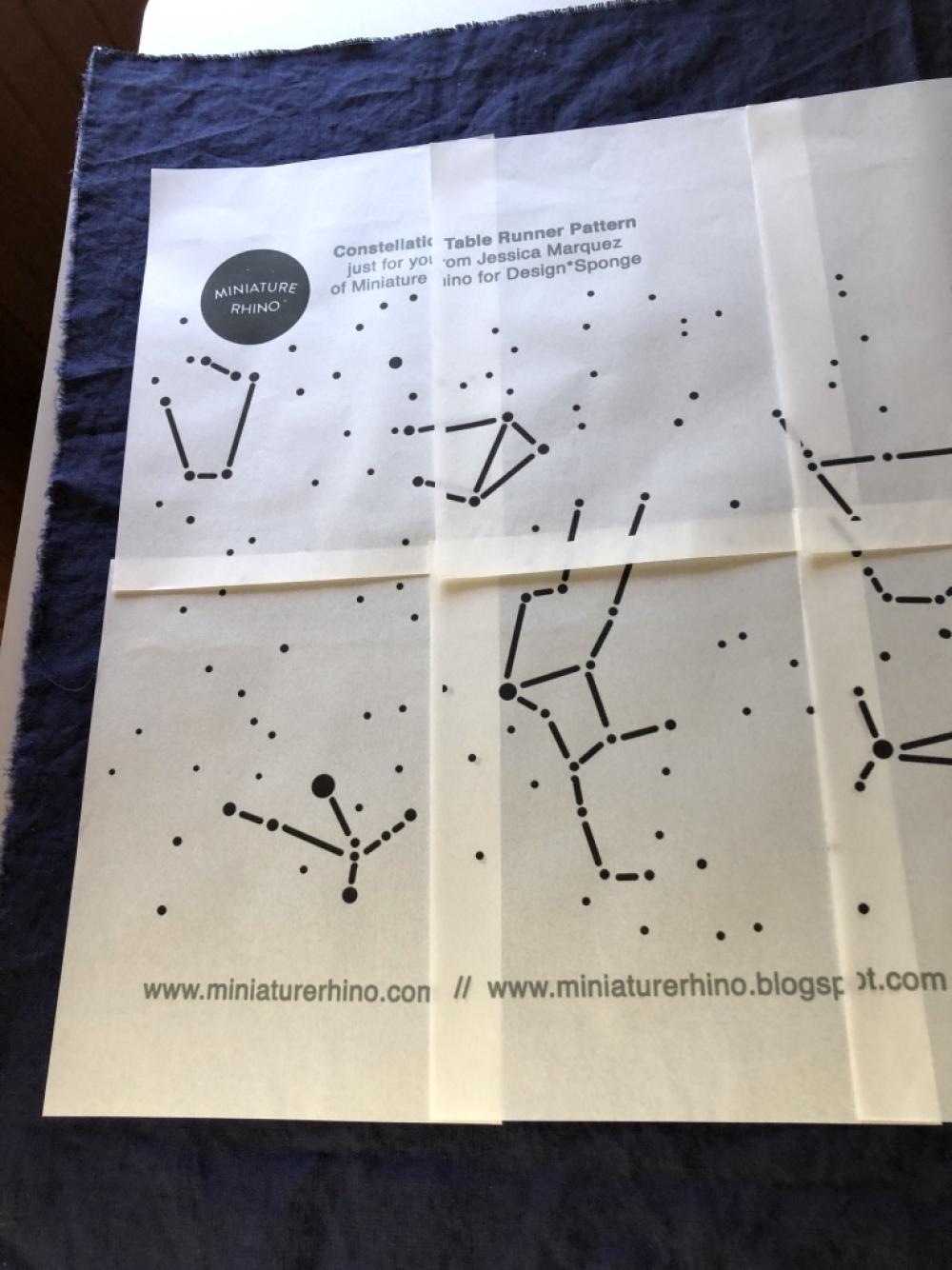
After I printed out the pattern onto the solvy paper I flipped over the stack of paper as I took it off the printer. In the photo below, the white stack of fabric is the pattern printed on computer paper and the cream stack of paper is the solvy paper (flipped over).
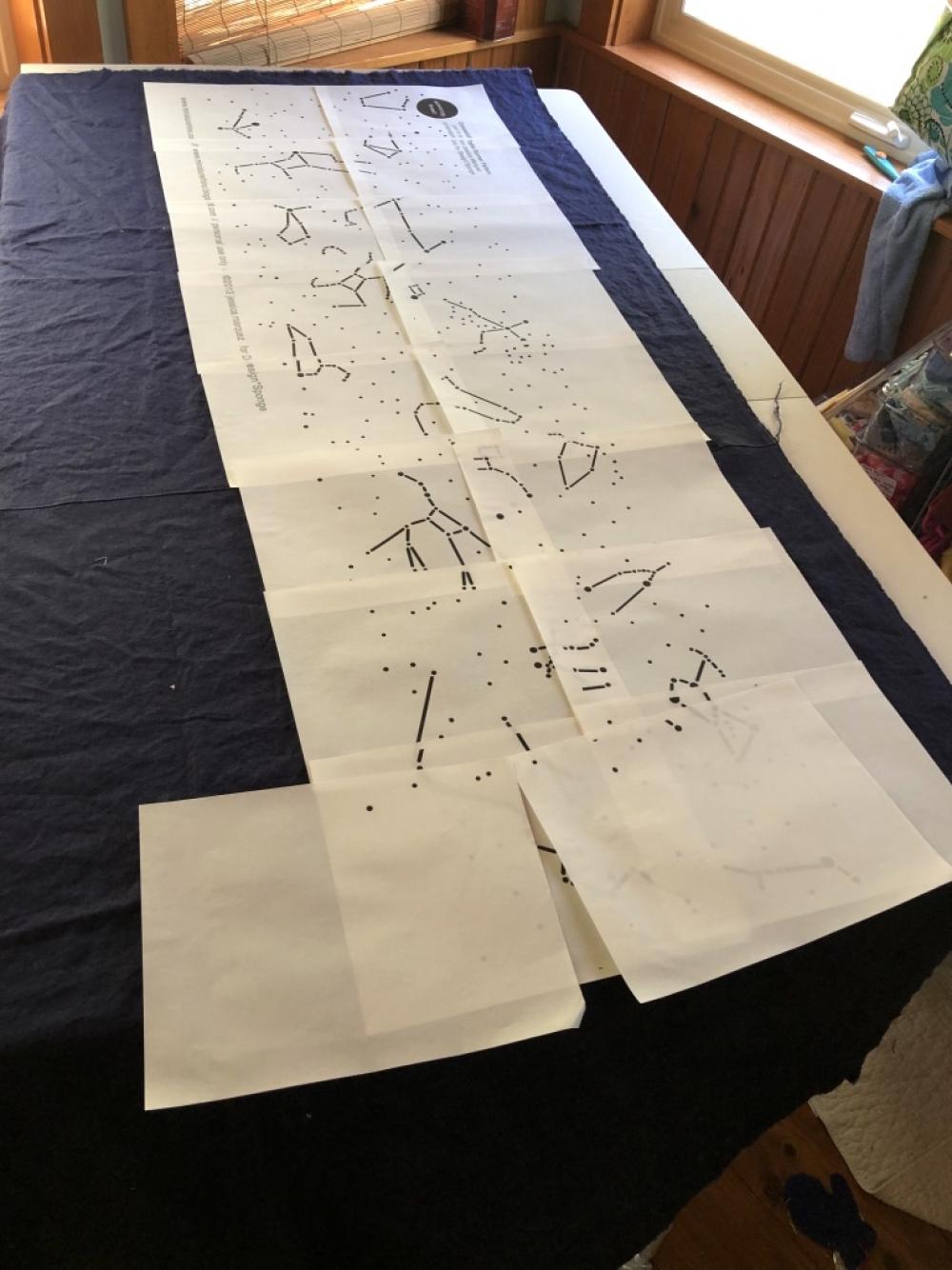
I layed the stack of papers out on the fabric, referencing the overlap of the pages.
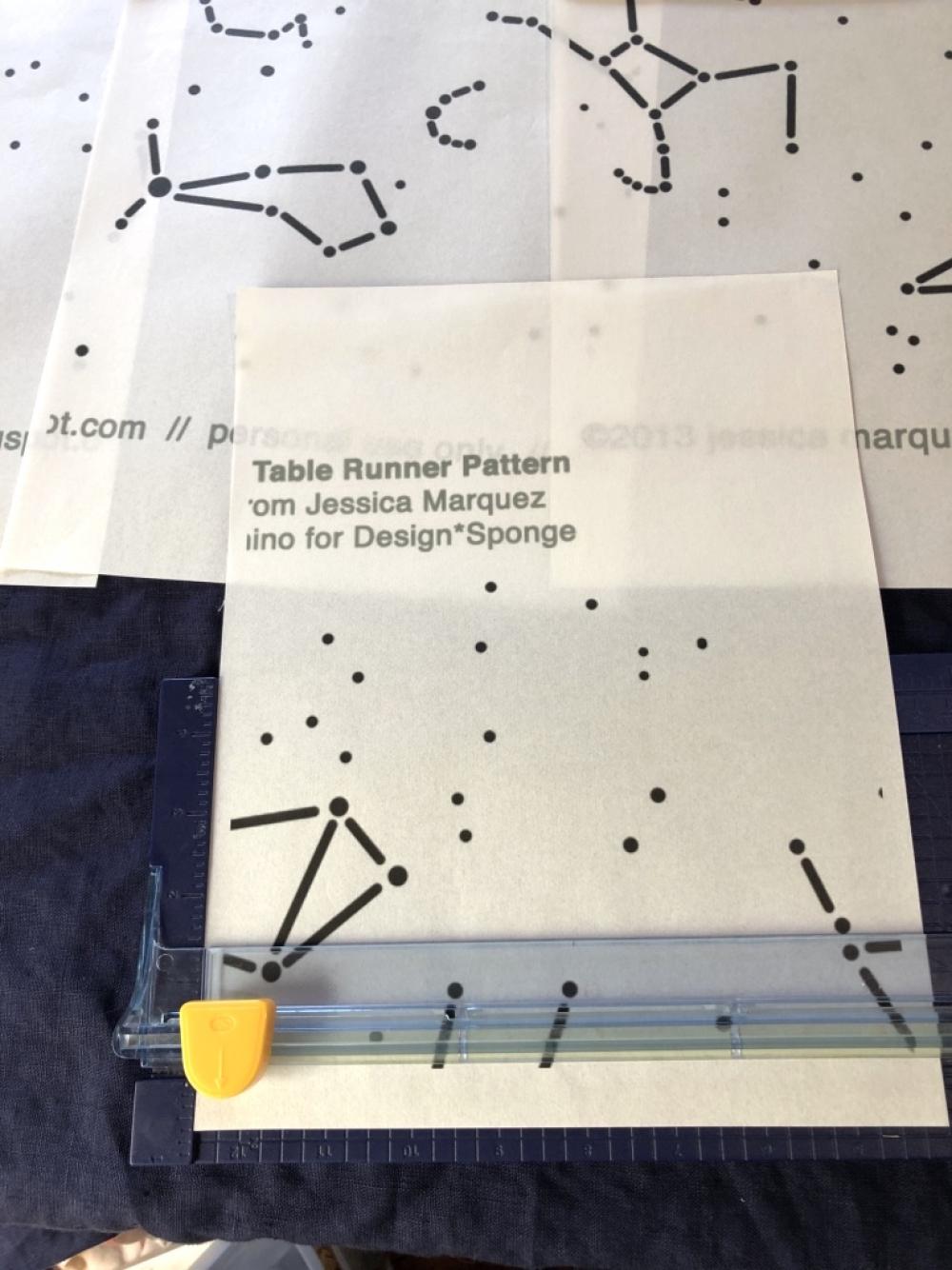
I trimmed off the bottom and left side edges of the pattern with a paper trimmer (as I would do when cutting and taping together a PDF pattern).
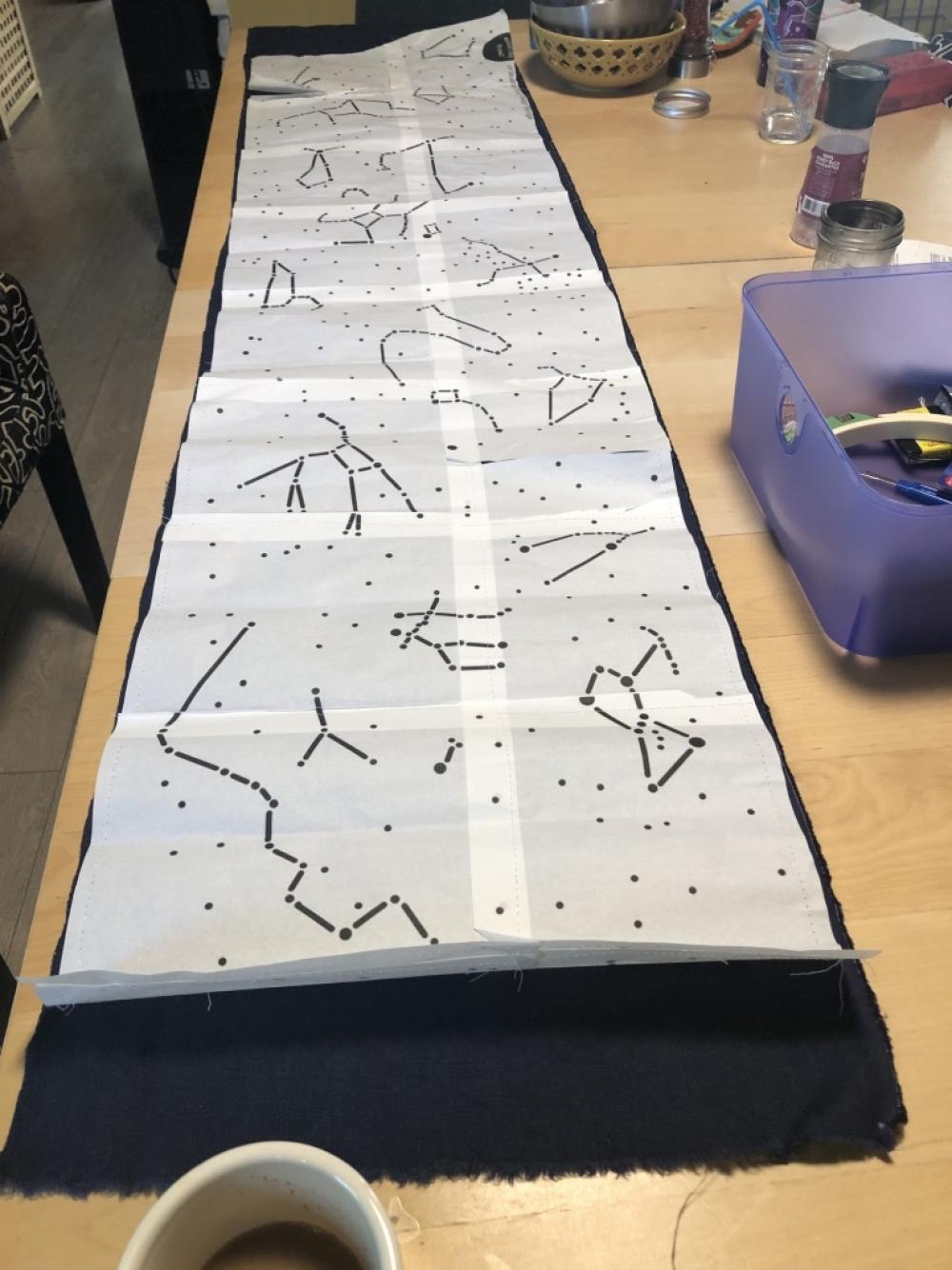
With my initial plan to dissolve the finished pattern pieces in water, I bastee the pattern sheets together on the sewing machine (instead of gluing or taping them together).
Continued in my next post...
#minervamakes #minervamakers #isew #memade #memades #sewing #sewist #sewists #sewinginspo #sewinginspiration #sew #sewcialist #sewingproject #sewingprojects #sewingideas #sewingprojectideas #sewingpatterninspo #lovesewing #ilovesewing #sewsewsew #sewersgonnasew #makersgonnamake #sewaholic #sewaholics #shareyoursewing #sewinglove #tablerunner #embroidery #sewingforhome #homeware #sewinghomewares
Click the Constellation Template link on the Design*Sponge website
Save the file (the file is a .jpg photo)
Using Apple Preview (or another photo viewing program), open the .jpg file
Convert the .jpg file to a .pdf
Open the .pdf file in Adobe Reader
Go to File, print
Click Poster
Change scale to 600%, 0.75” overlap
Click Print
Marking the fabric:
I had a few experiments that I tried for the process of marking the pattern onto fabric.
My initial thought was to use a printable embroidery paper that is water soluble. The paper that I tried was by Gutermann from Minerva. I liked that you can print the pattern directly onto this paper, stitch the embroidery and then the paper dissolves when soaked in water.
After I printed out the pattern onto the solvy paper I flipped over the stack of paper as I took it off the printer. In the photo below, the white stack of fabric is the pattern printed on computer paper and the cream stack of paper is the solvy paper (flipped over).
I layed the stack of papers out on the fabric, referencing the overlap of the pages.
I trimmed off the bottom and left side edges of the pattern with a paper trimmer (as I would do when cutting and taping together a PDF pattern).
With my initial plan to dissolve the finished pattern pieces in water, I bastee the pattern sheets together on the sewing machine (instead of gluing or taping them together).
Continued in my next post...
#minervamakes #minervamakers #isew #memade #memades #sewing #sewist #sewists #sewinginspo #sewinginspiration #sew #sewcialist #sewingproject #sewingprojects #sewingideas #sewingprojectideas #sewingpatterninspo #lovesewing #ilovesewing #sewsewsew #sewersgonnasew #makersgonnamake #sewaholic #sewaholics #shareyoursewing #sewinglove #tablerunner #embroidery #sewingforhome #homeware #sewinghomewares
Add all tagged items to your basket