


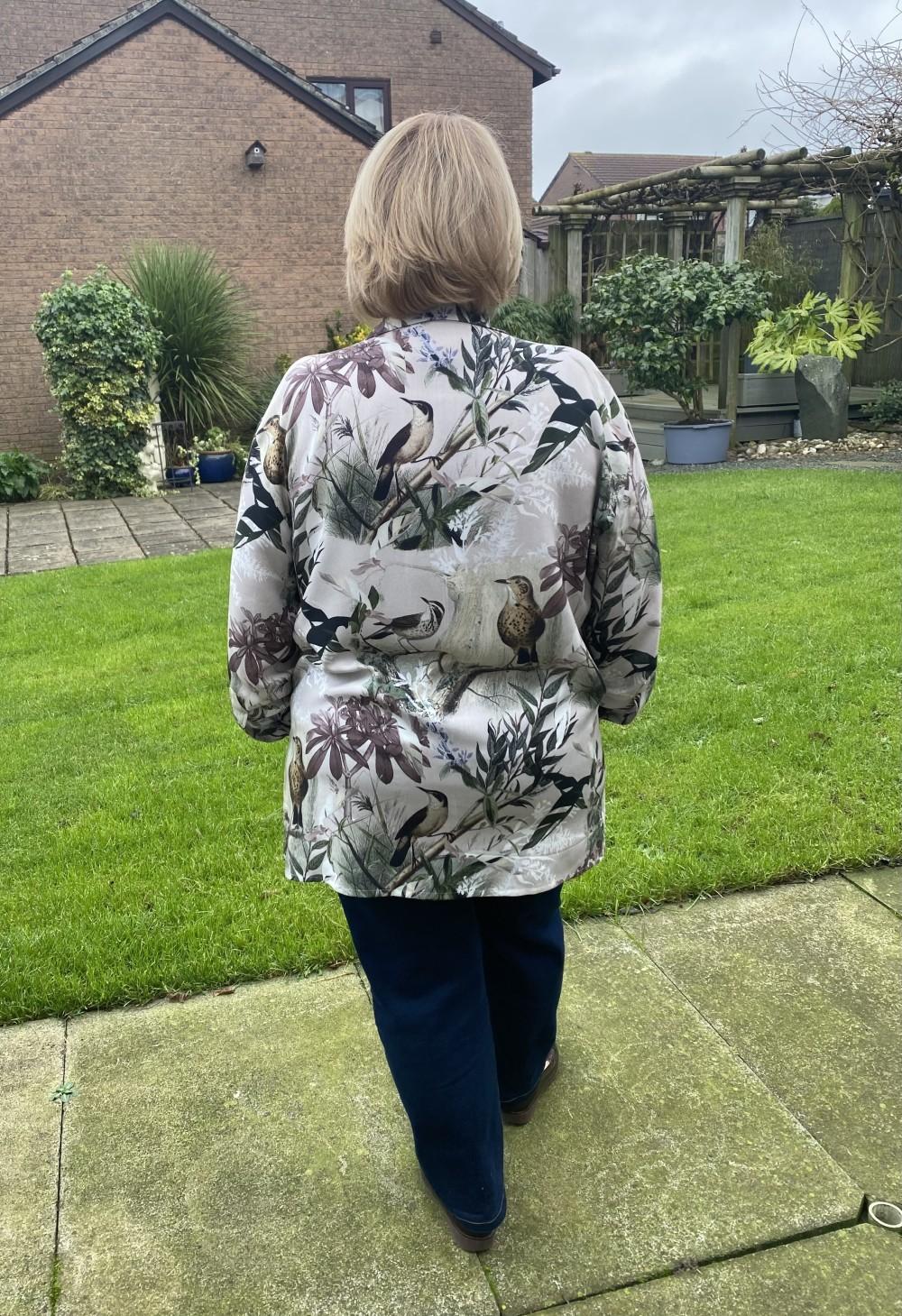
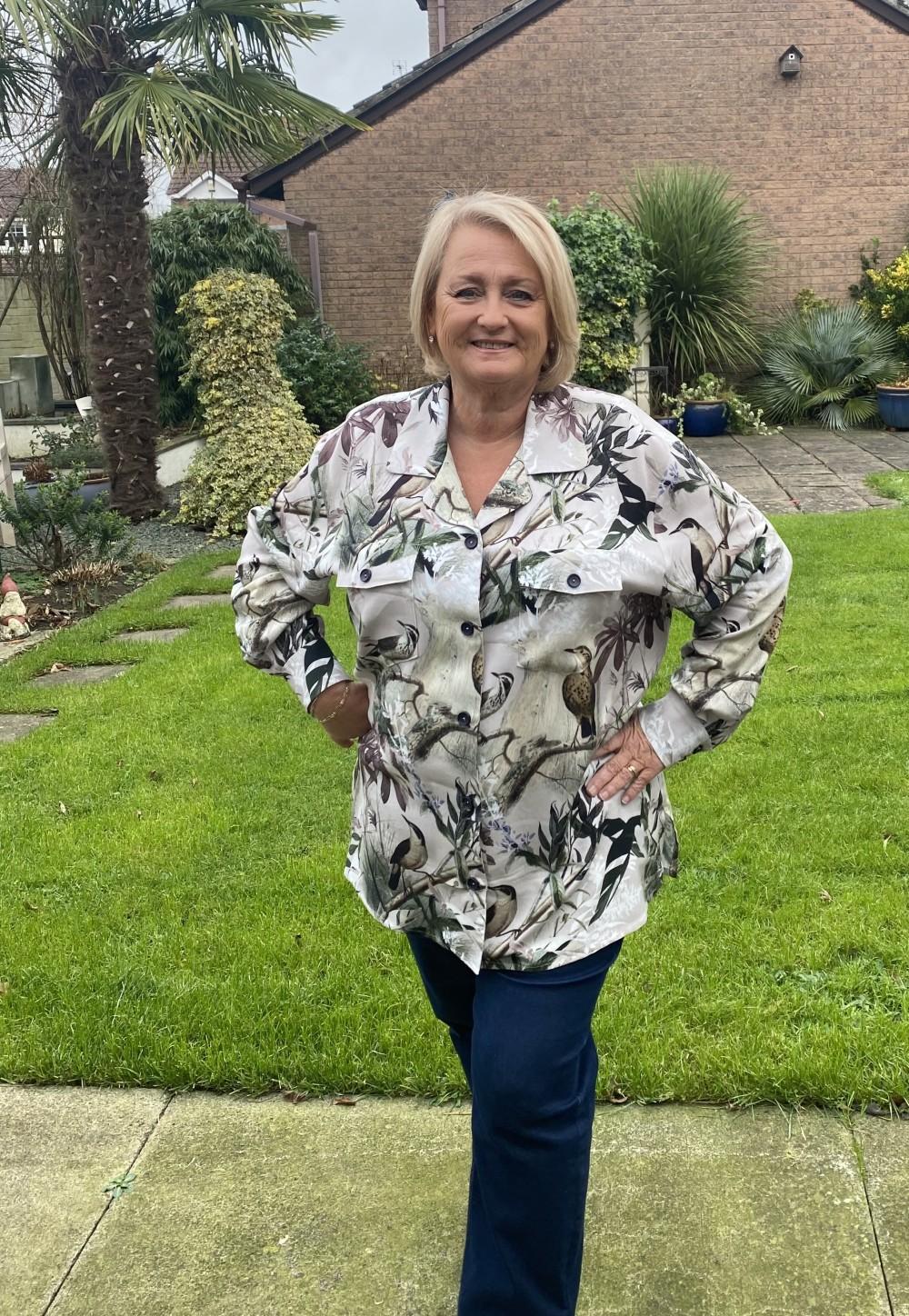
If you’ve never tried PDF patterns before, don’t be scarred of them and give it ago.
Thanks to Minerva’s collaboration with McCalls there are now several FREE, yes I said FREE patterns at Minerva to choose from. You can choose to print at home on A4 paper, or at a copy shop on A0.
I added some of the tips I’ve learned when printing PDFs in my post for the Edenfield dress but I’ll repeat them here later in the post, but for now I’ll just talk about this Holmeswood shirt.
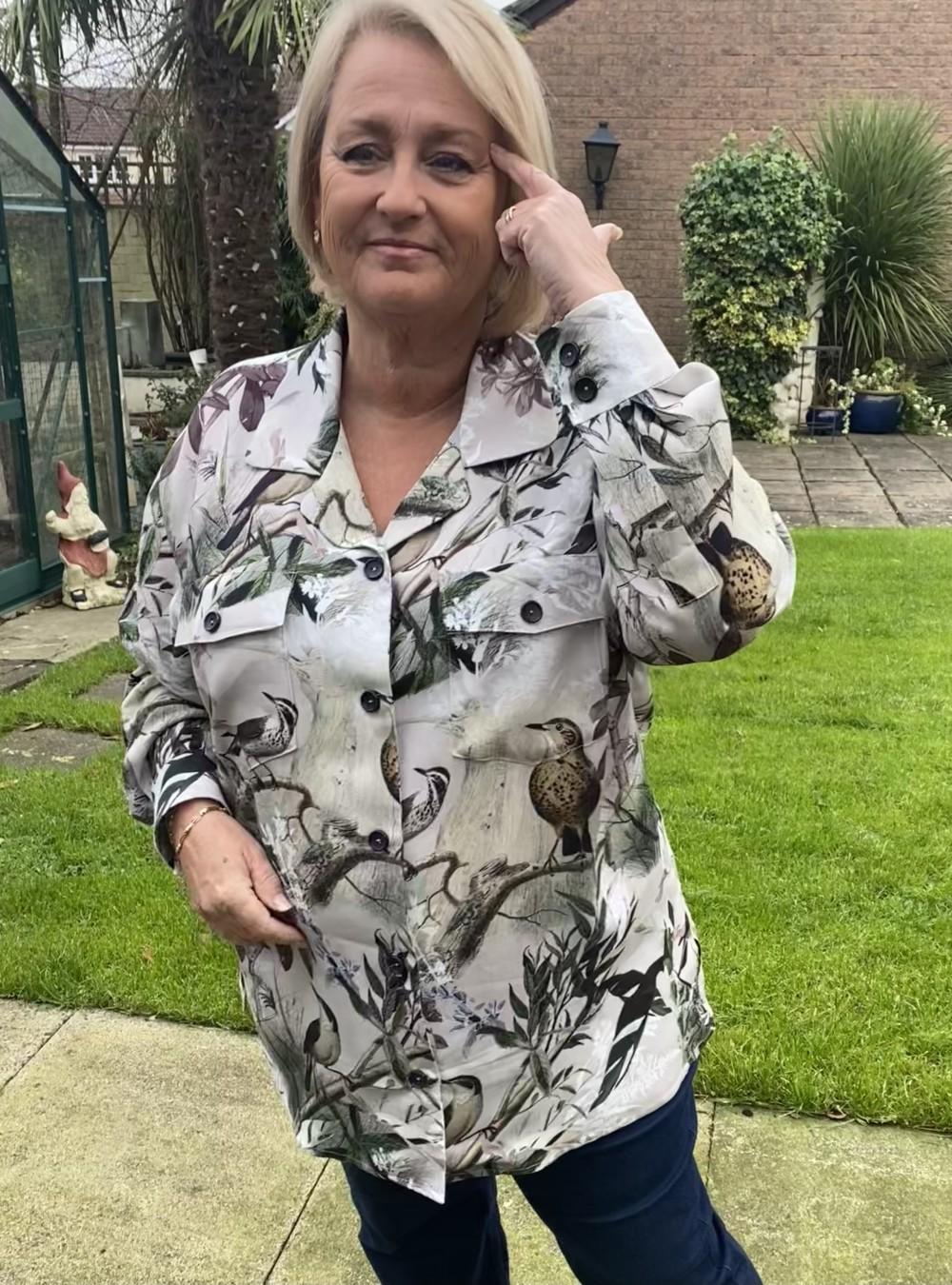
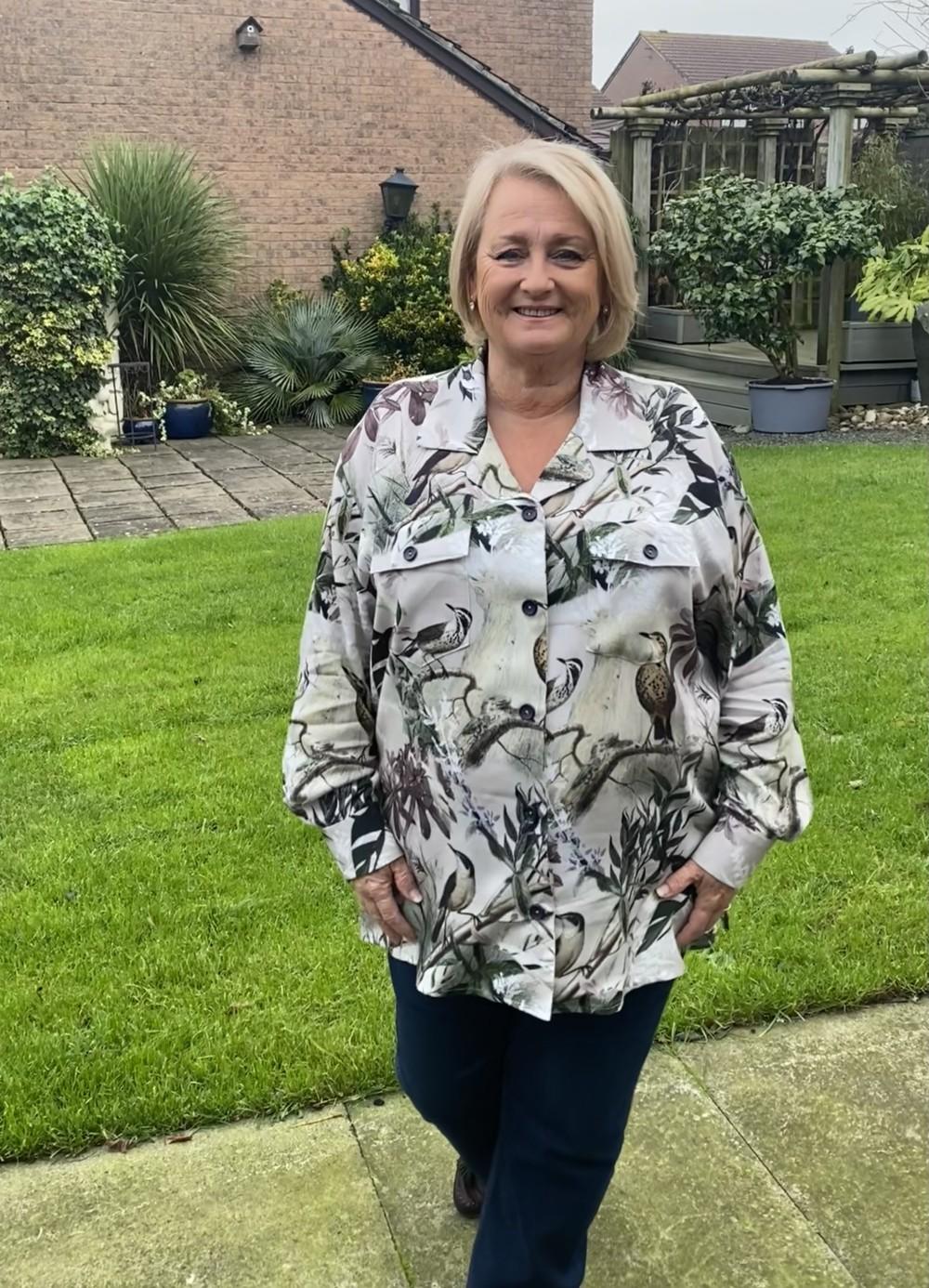
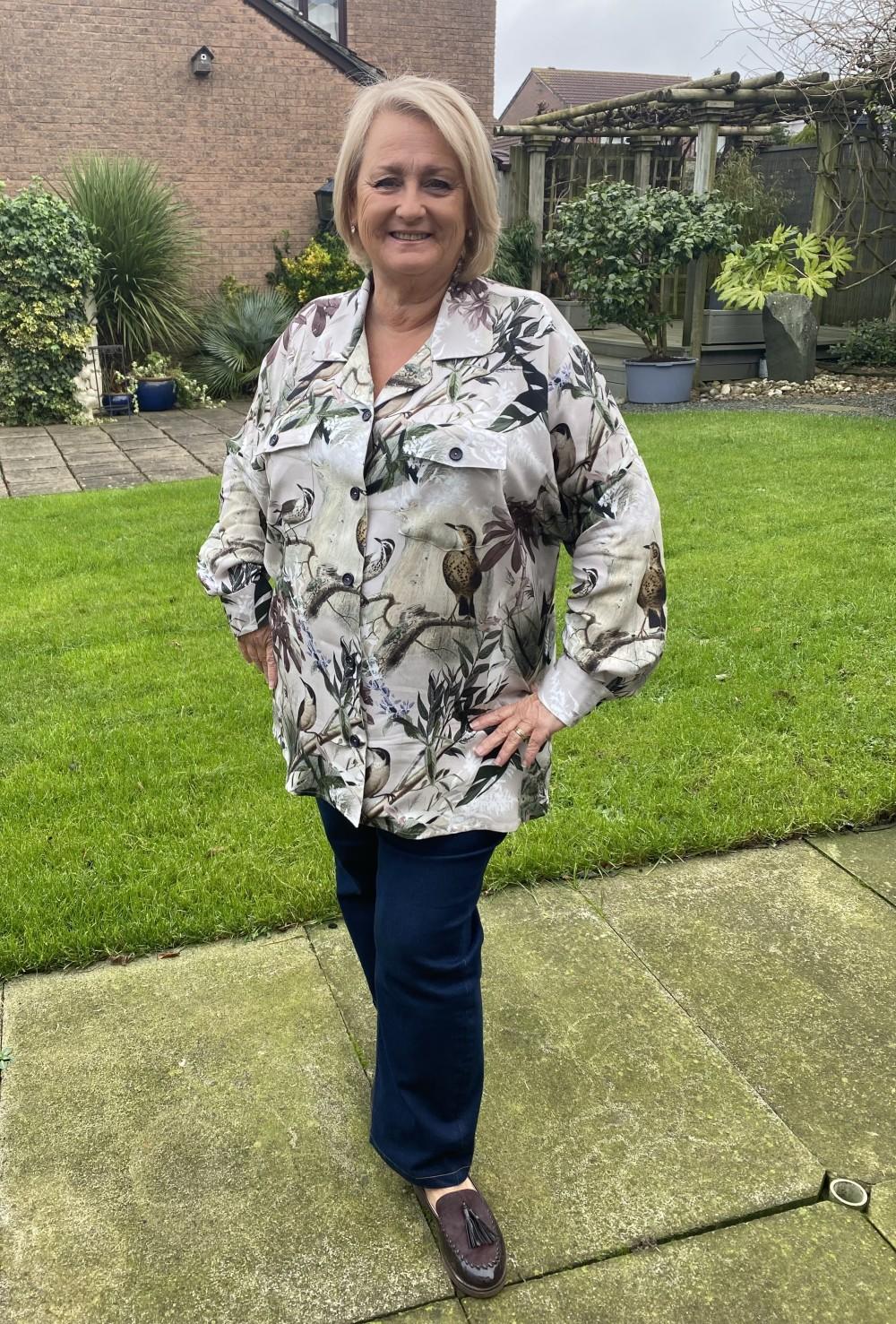
This shirt is a relaxed fit shirt. The collar and lapels are slightly curved, dropped shoulders and cuffs with plackets. The pattern doesn’t suggest topstitching but this can be added if you want to make this a feature.
The shirt is a unisex pattern, so it’s really important to to consider the finished garment measurements when considering what size to sew.
I did size down and sewed a size L but possibly could have gone a little smaller maybe grading between L&M.
I did find the sleeves to be long and the cuff a little large, this could be because it’s a unisex pattern and I also have short arms. I normally reduce sleeves by 2 inches but reduced these by 4 inches and they are still a bit longer on me.
Having said all this, once you’ve sussed out your size, it’s a really easy pattern to follow with good instructions.
I made my shirt using Minerva’s viscose challis, the one thing I will say is that I find when using challis things always turn out a little bigger than when using a cotton lawn, so this also needs to be considered when sizing.
The print on this one is Minerva Exclusive Forest Thrush Viscose Challis POD Fabric
It’s definitely a classic shirt pattern that will be used over and over again
So back to pdf patterns in general, here is my repeat about printing PDFs
Things I’ve learnt with PDFs:
* Set the Print scale to actual size or 100% scale
* Always print the page with the test square first and check this is printing to the correct measurements
* I’ve found it best to open the pdf using an adobe reader so that you can use the “layer” function which means you only need to print the size/sizes you need rather than printing the whole file. This will save you ink.
* I found I couldn’t print layers (just my size) if I printed direct from my mobile or my tablet.
* To also save ink print using black or gray scale settings
* You don’t need expensive paper cheap and cheerful works fine.
* When sticking the pieces together I invested in a tape dispenser, it was also cheap and cheerful and a blessing.
* Printing from adobe, there are lines on the pattern that can easily be matched with the edge of the next tile.
* If printing in layers it’s worth checking which pages you actually need and print in batches as you may find that printing all pages you may be printing lots of blank pages with just little match arrows on them and no pattern pieces
* Make sure your paper is lined up straight in your printer tray
* Once you’ve downloaded this pattern you’ll find it in a new section on the website under your profile under “downloads” and your pattern and instructions will be there
I know some of this might sound complex, but honestly it’s not, and once you’ve done one you won’t look back.
#MinervaBrandAmbassador #MinervaMakes #MinervaMakers #minervaambassador
#minervaexclusive #minervaexclusivefabrics